
Skip to content
All weekly updates

What’s new · Week 2 · Sat Oct 31 to Fri Nov 6, 2026

A smoother checkout, links per location, and photos after booking.

Clients pick their own tip, every location gets its own link, and your team sees just what they need.

18 new things this week

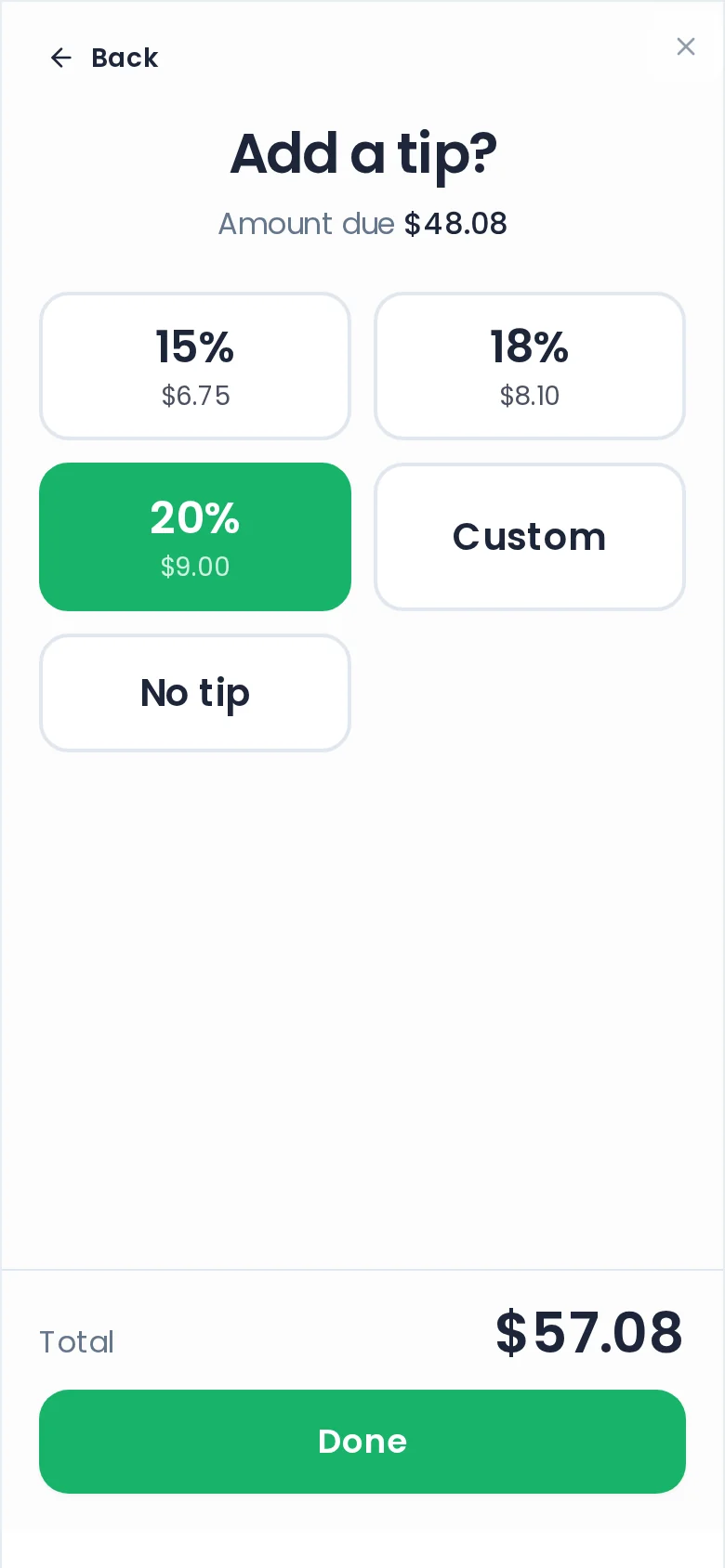
Your client's Add a tip? screen at checkout: 15, 18 or 20 percent, Custom or No tip, with 20% picked and the total updated

For your business

Hand over the phone. They tip.

Hand your phone over at checkout and your client picks their own tip.

A location's own booking page on a phone, with its address and hours, and Book here going straight to that location's menu

For your clients

One link per location.

Every location gets its own booking link that books straight into it, no picker.

A client opens their upcoming booking on a phone and adds two inspiration photos for the salon to see

For your clients

Inspo photos, any time before the visit.

Clients can add inspiration photos to an upcoming visit, and you see them on the appointment.
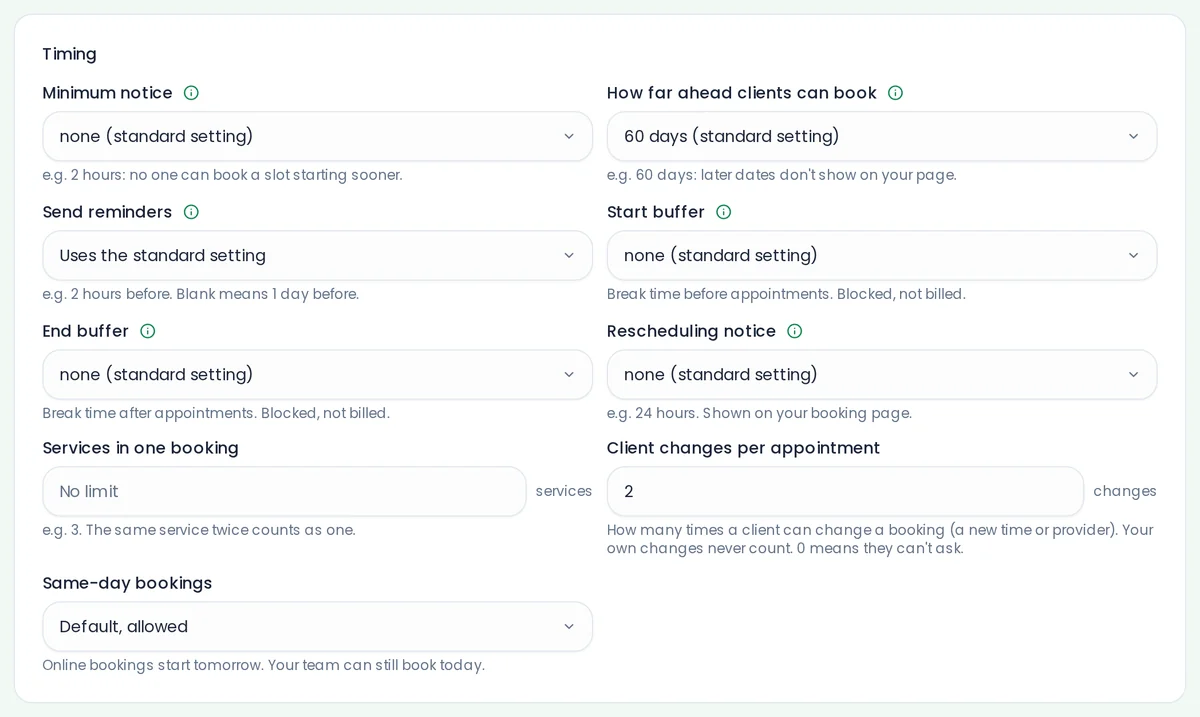
Rules & Policies with Client changes per appointment set to 2, beside the other timing rules

For your business

Fewer last-minute shuffles.

Limit how often clients change a visit: for everyone, one service or one client.

Also new
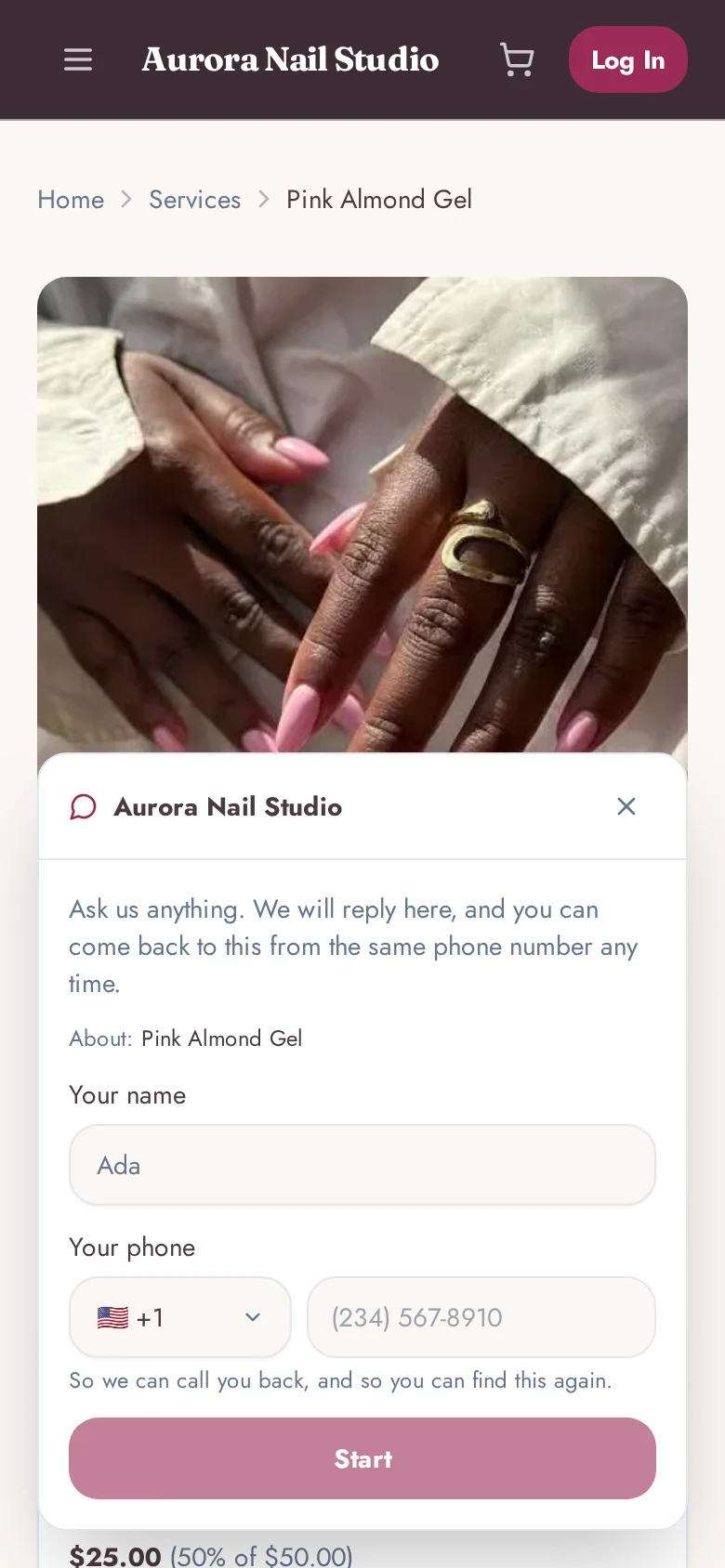
Ask about this on a service page opens the salon's chat with the service already attached to the question

Questions come with context.

An Ask about this button on each service and product sends the question to your inbox.
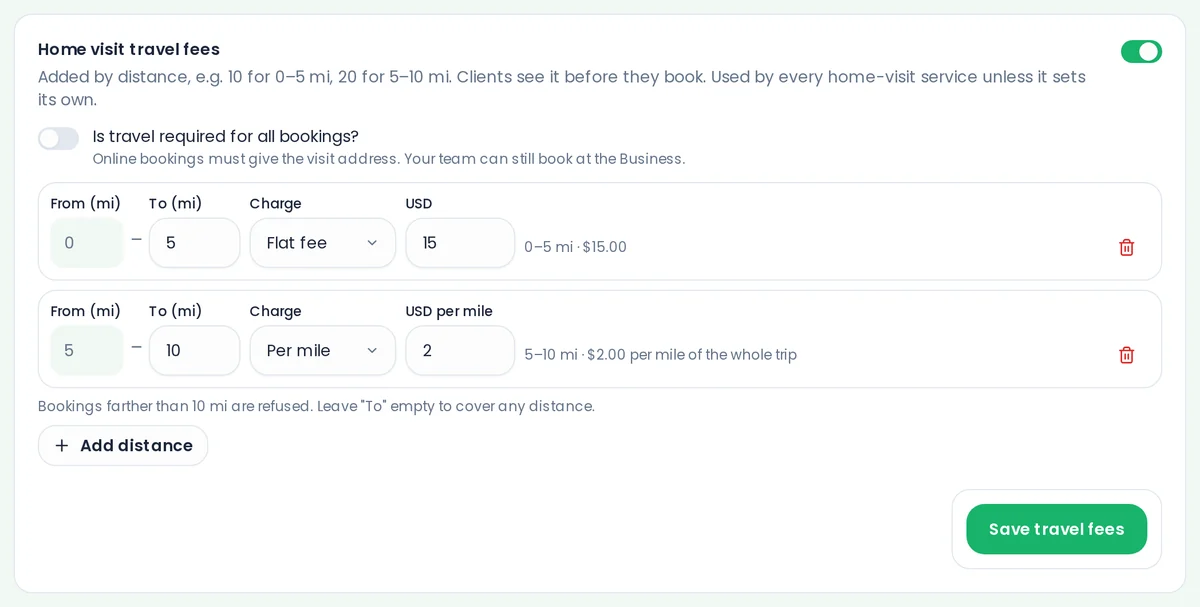
Home visit travel fees with a flat fee up to 5 miles and a per-mile charge beyond it

Travel charges by the mile or kilometer

Charge home visits by distance, and clients see how far you are traveling.
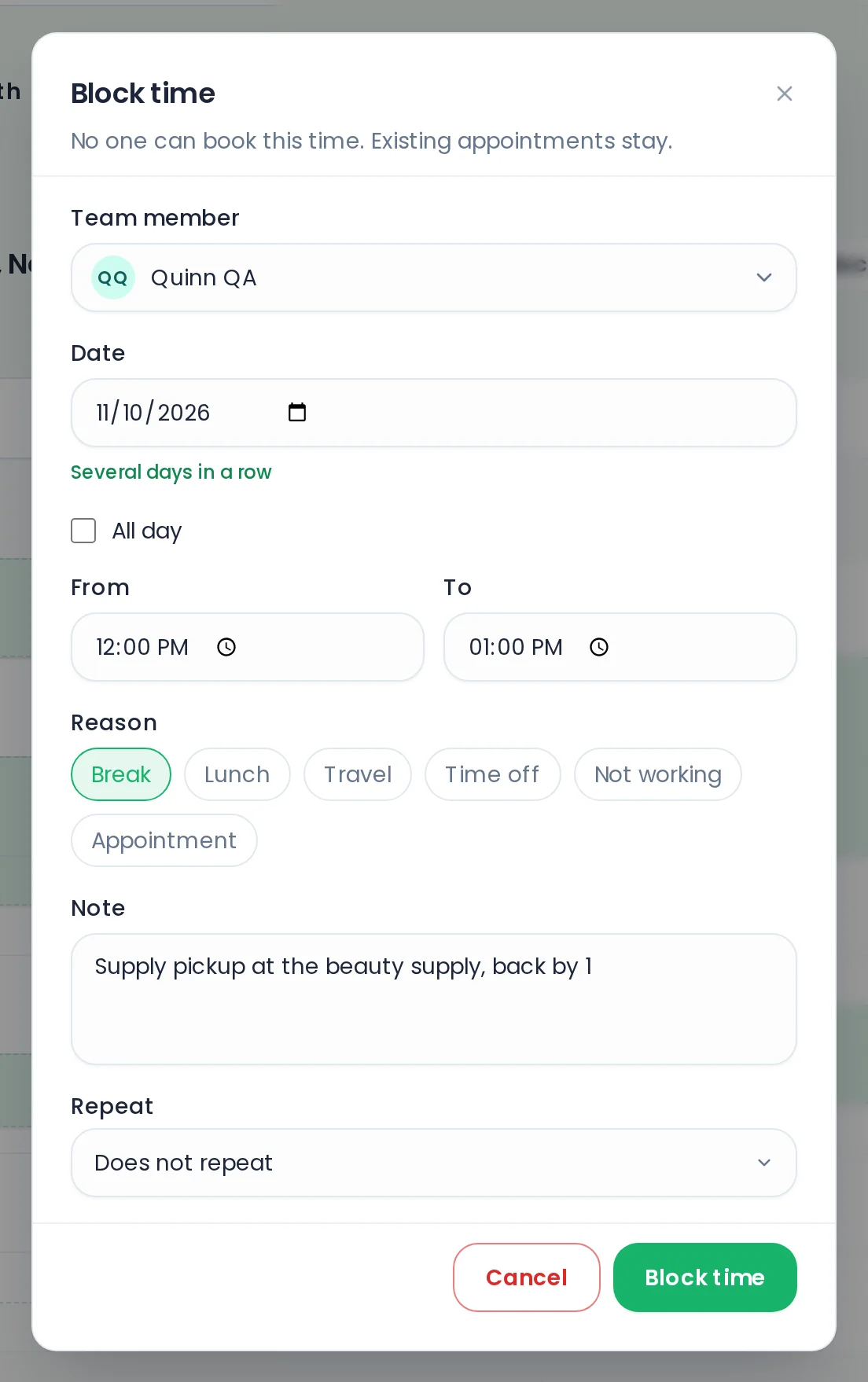
The Block time window with a reason picked and a note of your own typed in

Add your own note to blocked time

Blocked time can carry your own note, so you remember why it is there.
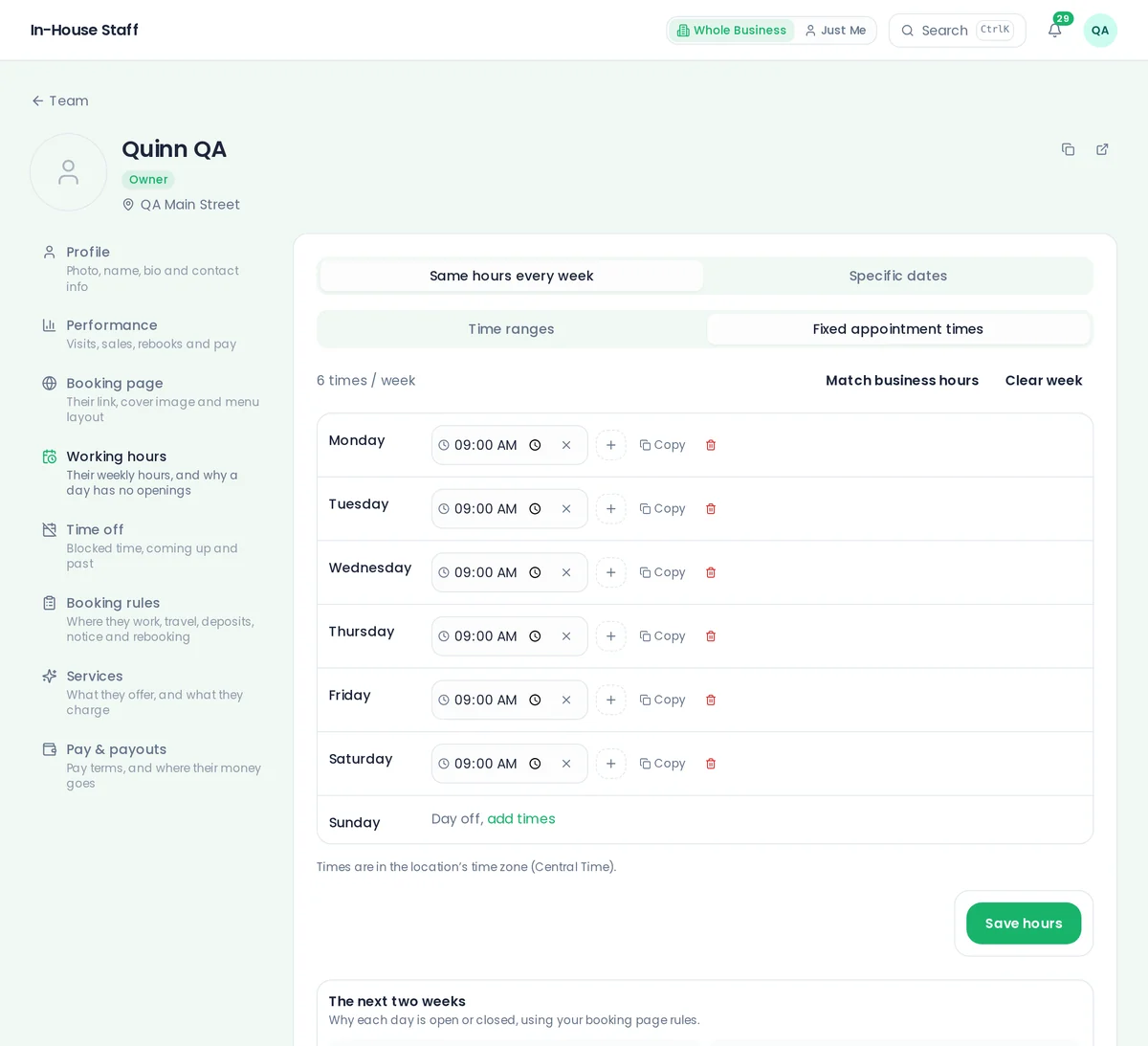
A team member's Working hours with Fixed appointment times chosen, the one place specific start times are set

Start times set in one clear place

Specific start times live with your working hours, and each service can keep its own.
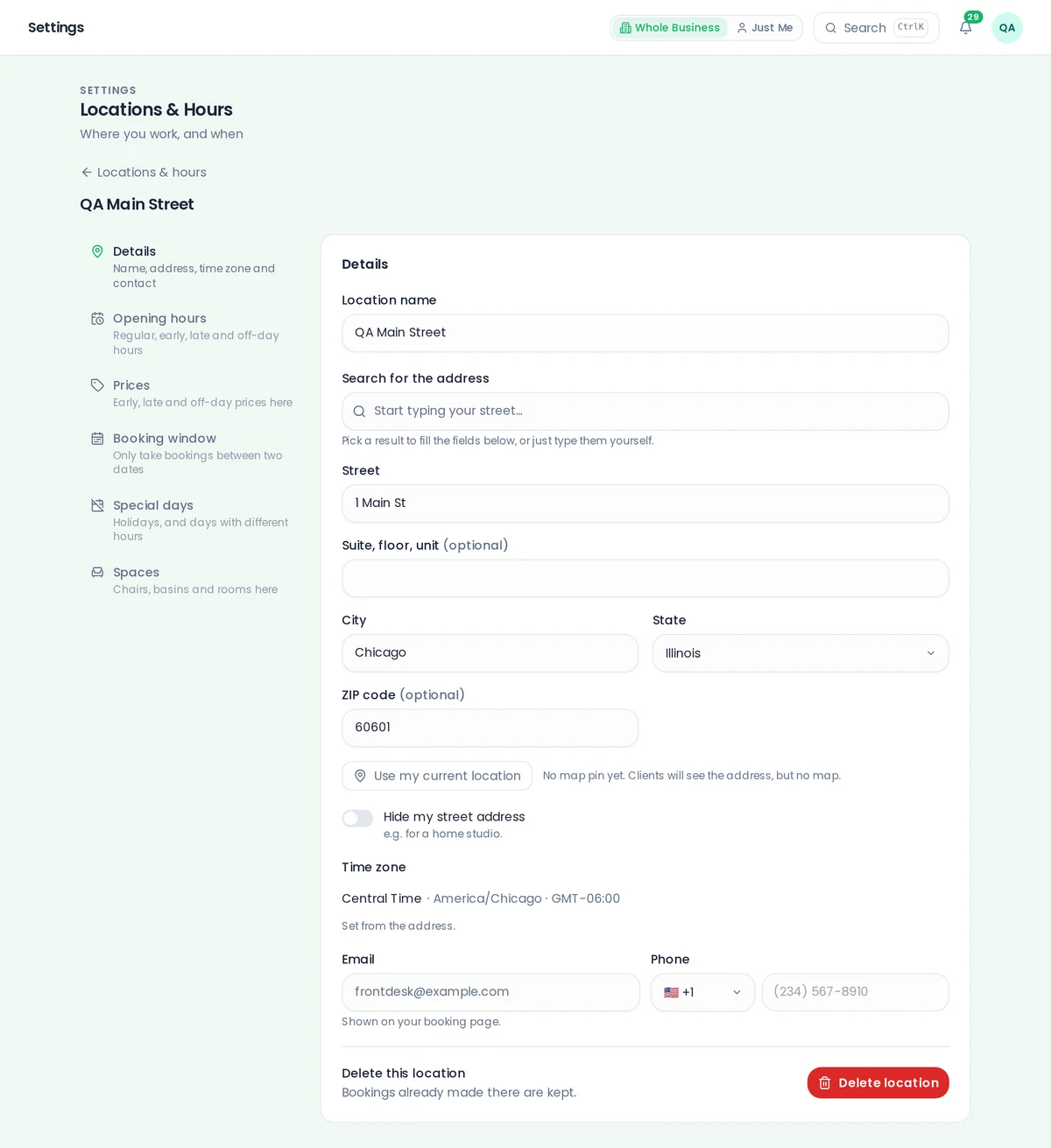
The location editor, with Details, Opening hours, Prices, Booking window, Special days and Spaces as tabs, and the time zone set from the address

Location settings that are easier to follow

Spaces, hours and time zone all live together on each location.
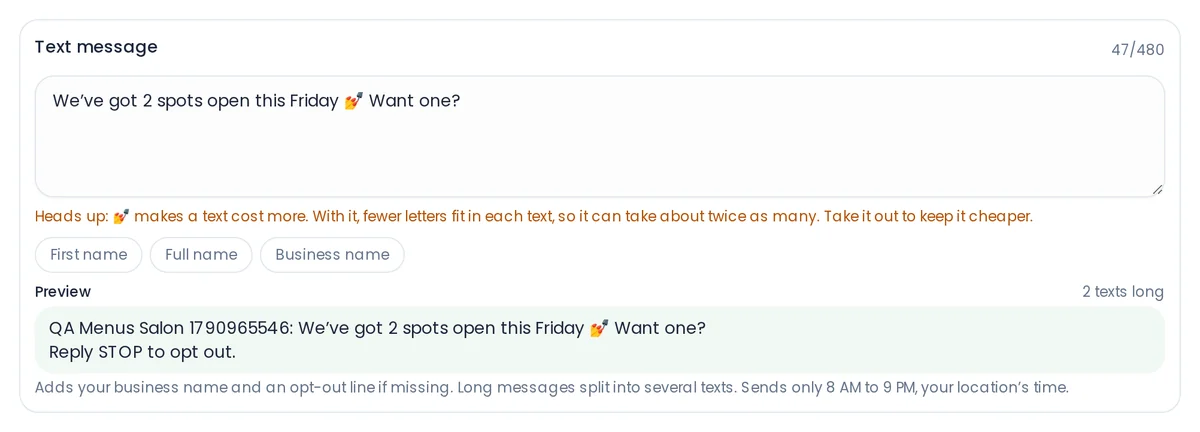
A campaign text with an emoji and a curly apostrophe, and the note pointing out the characters that make it cost more texts

Know when a character makes a text longer

The text editor warns you when a character would make your message take more credits.

And there’s more

  • Your no-card charge, shown and waived clearly
  • One reservation amount for the whole visit
  • Early bookings can run into normal hours
  • Short links in texts and a short booking address
  • The console sits better on your phone
  • Each team member sees only what their role allows
  • Team members can edit their own booking page
  • Get told when a client disputes a payment

Plus 6 little touch-ups so your day runs smoother.

It’s all ready in your ChairWatch today.

Got an idea for next week? Tell us. We build ChairWatch with the pros who use it.