
Skip to content
All weekly updates

What’s new · Week 5 · Sat, Nov 21 to Fri, Nov 27, 2026

Regulars booked for months, openings ready to post, and more.

Book a regular's whole series in one tap, share your open days as a branded image, and give every artist their own page look.

17 new things this week

A team member's booking page settings: their own colors with a top bar color, then a background photo of their work, shown live in the phone preview

For your business

Every artist, their own backdrop.

Team members pick their own top bar color, background photo and dark mode background.

A new booking set to repeat every 2 weeks for 6 visits, with each date marked free or not open before anything is booked

For your business

Regulars, booked for months.

Tap Repeat and book a regular's visits for months, weekly or monthly, in one go.

Share Openings: December's open days drawn as a branded picture, a few days tapped off, then new colors, a square feed post and a different font

For your business

Your openings, ready to post.

Turn a month of open days into a branded image, ready for your socials.

A team member's Takes bookings switch, turned off for someone like a receptionist so they stay off the calendar and service lists

For your business

Keep front desk staff off the calendar

A Takes bookings switch keeps receptionists off the calendar and service lists.

Also new
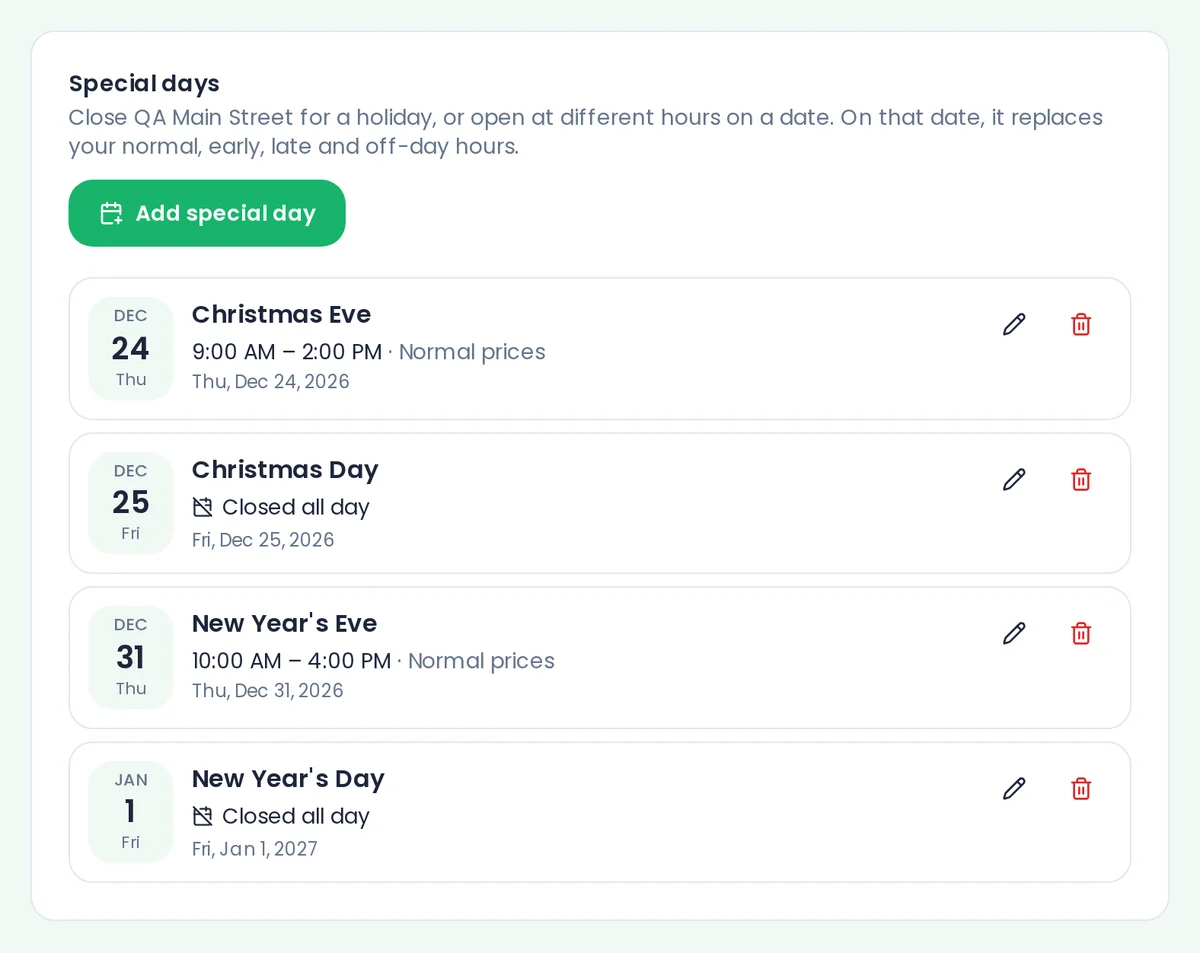
The Special days tab: holiday closures and shorter hours listed in date order, each one ready to edit

Special days get their own tab

Special days have their own tab, in date order, and each one is editable.
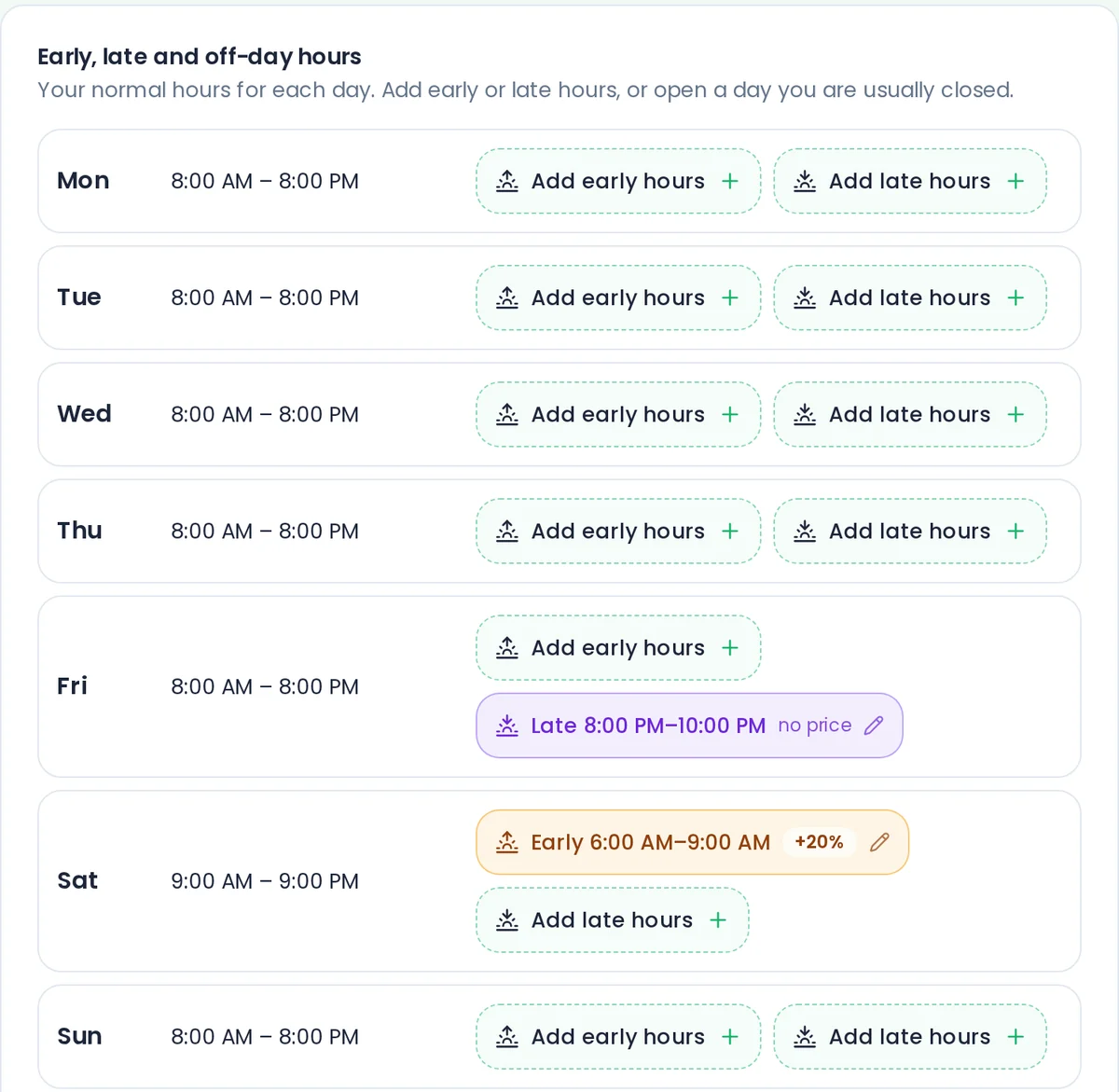
One weekly chart of a location: each day shows its regular hours plus any early or late hours and their price

All your hours on one weekly chart

One weekly chart shows your regular, early, late and off-day hours together.
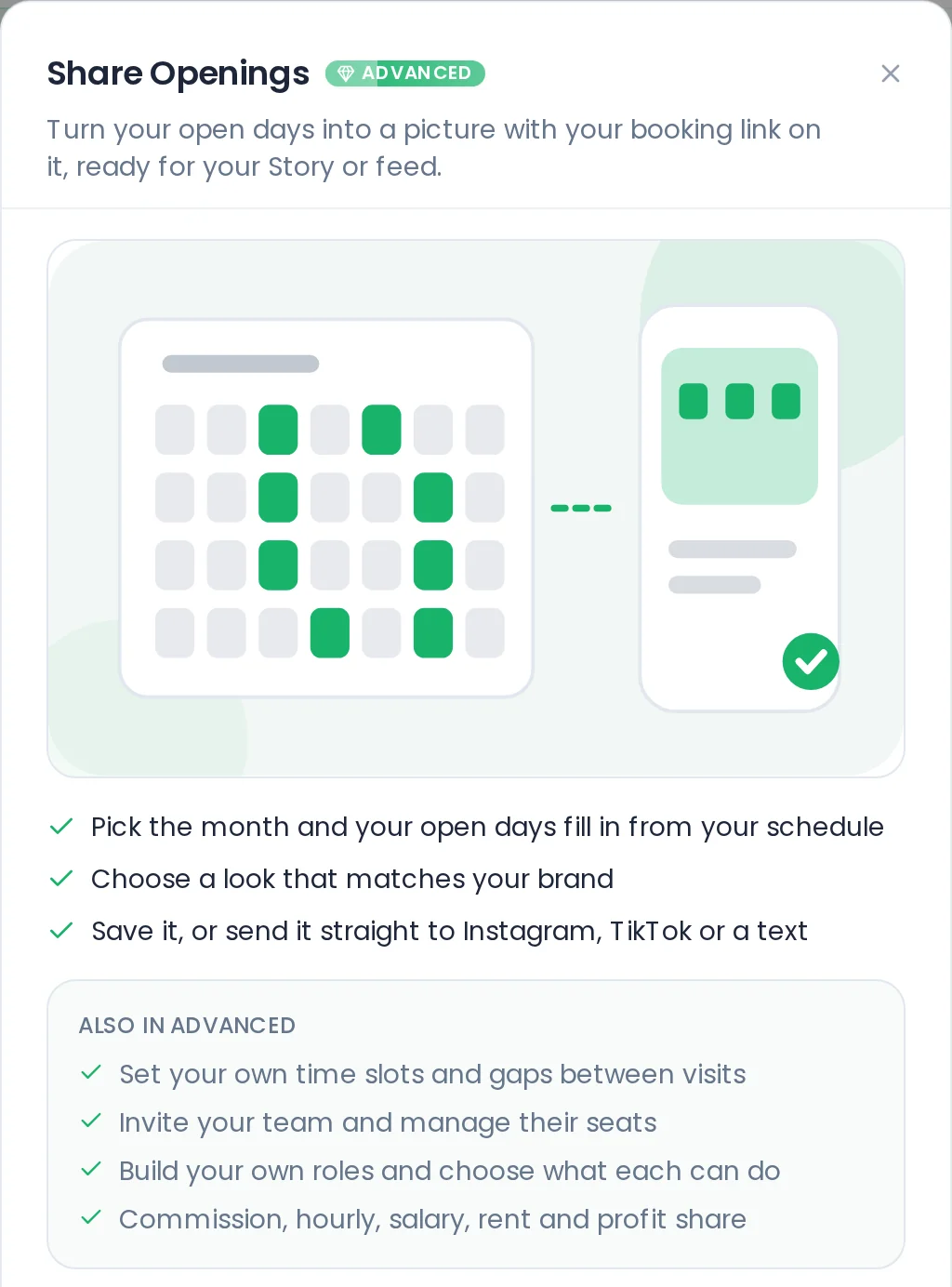
See how it works: a short preview of an Advanced feature, opened from its upgrade card

See how any Advanced feature works

Every Advanced feature now has a See how it works preview.
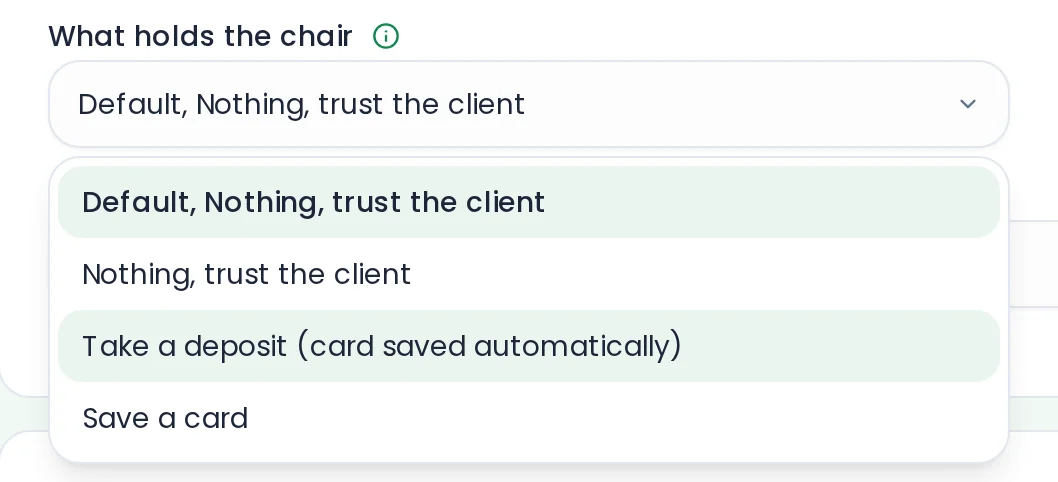
What holds the chair: the Take a deposit option now says the card is saved automatically

Taking a deposit saves the client's card

Take a deposit, and the client's card is saved on file automatically.

And there’s more

  • Run a sale at just one location
  • Your address in every confirmation and reminder
  • Clients can make a visit their regular slot
  • Cancel a visit and keep its payment
  • Clients see the right price when they move
  • Team members add videos to their own services
  • A welcome note when you join
  • Your gallery scrolls like your services
  • Open a day and clear its time off together

Plus 8 little touch-ups so your day runs smoother.

It’s all ready in your ChairWatch today.

Got an idea for next week? Tell us. We build ChairWatch with the pros who use it.